Engineering
Building a Shopify Flow integration: triggers, actions, and the gotchas that cost us a cycle
By Jahangir Alam · July 4, 2026 · Updated October 7, 2026 · 11 min read
- Last verified
- Shopify API
- 2026-10
- Audience
- Shopify app developers building Flow triggers, actions and templates
- Scope
- A Flow app integration at API 2026-10: the trigger, action and template extensions, the opposite casing conventions, the all-fields-required contract, and the deployment and debugging traps from our own build
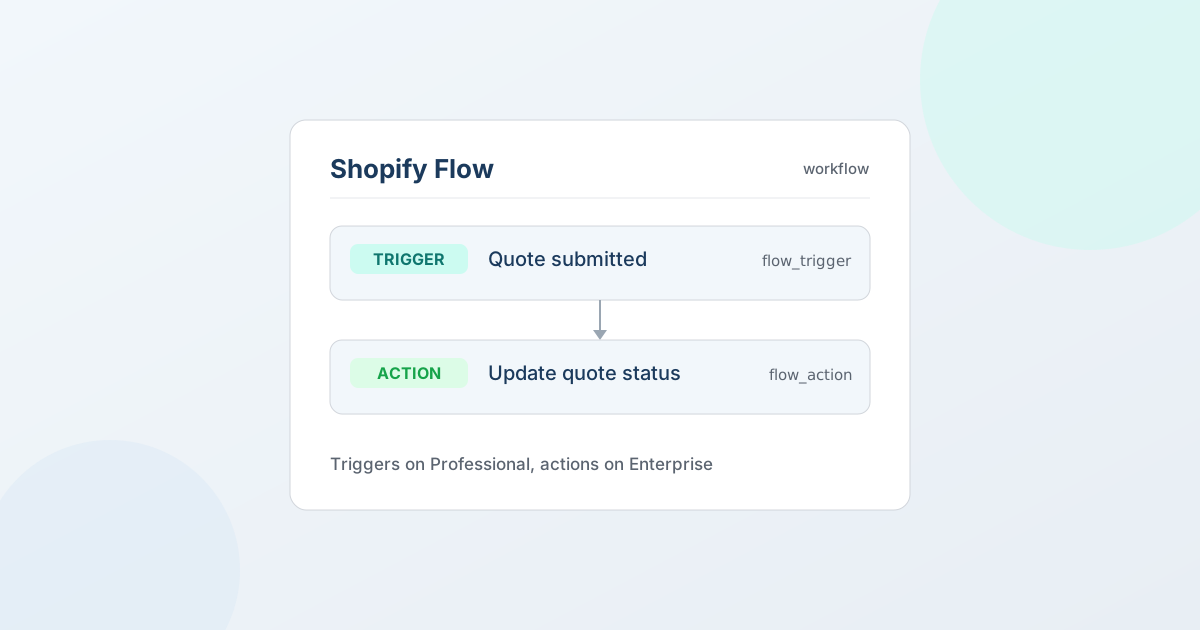
Short version: a Shopify Flow integration has three moving parts - triggers (events your app emits into Flow), actions (steps Flow calls back into your app), and templates (ready-made workflows). The extension configs are simple TOML; the traps are in the platform's undocumented rules. The two that cost us a real debugging cycle: trigger field keys and action field keys use opposite casing conventions, and every field you declare on a trigger is required in every payload - so an "optional reference field" is a contradiction that silently breaks guest events. Here's the full map, from shipping 10 triggers, 3 actions, and 6 templates in QuotWay.
What a Flow integration is (and who can use it)
Shopify Flow is Shopify's no-code automation builder. Your app plugs in three ways:
- Triggers (
flow_trigger) - your app emits an event ("quote submitted"), and merchants build workflows that start from it. - Actions (
flow_action) - a Flow workflow calls your app to do something ("update quote status"), passing fields the merchant configured. - Templates (
flow_template) - pre-built workflows that appear in the Flow template gallery so merchants start from a working example instead of a blank canvas.
One myth worth killing first: Flow is not Plus-only for app-provided extensions. A public App Store app's Flow triggers and actions are available to merchants on any paid Shopify plan, not just Plus. (Merchant-authored Flow workflows have their own plan rules, but that's separate from your extensions being available.) We gate ours by packaging choice - triggers on our Professional tier, actions on Enterprise - not because the platform forces it.
The three-part anatomy
Each trigger, action, and template is its own extension directory with a shopify.extension.toml. There's no shared "Flow app" object - you compose the integration out of many small extensions.
Triggers: your app → Flow
A trigger declares a name and a set of fields that become the workflow's available data. Field keys are the public payload contract:
# extensions/flow-quote-submitted/shopify.extension.toml
[[extensions]]
type = "flow_trigger"
name = "Quote submitted"
handle = "quote-submitted"

  [[settings.fields]]
  type = "single_line_text_field"
  key = "Quote id"            # ← Title Case, with spaces

  [[settings.fields]]
  type = "number_decimal"
  key = "Total amount"        # merchants add "Total amount >= X" conditions

  [[settings.fields]]
  type = "single_line_text_field"
  key = "Customer id"         # EMPTY string for guests — see gotcha #2
You emit an event by calling the flowTriggerReceive mutation with the trigger handle and a payload keyed by exactly those field names. We emit from a small flow/emit service on every state transition (submitted, proposal sent, accepted, countered, declined, expired, converted, and the three approval events - 10 in all).
Actions: Flow → your app
An action declares the fields a merchant fills in, and a runtime_url Flow POSTs to when the step runs. We route all actions to one endpoint and dispatch by handle:
# extensions/flow-update-quote-status/shopify.extension.toml
[[extensions]]
type = "flow_action"
name = "Update quote status"
handle = "update-quote-status"
runtime_url = "/api/flow/action"     # one endpoint for every action
validation_url = "/api/flow/validate" # save-time field validation
schema = "./schema.graphql"
return_type_ref = "QuoteActionResult"

  [[settings.fields]]
  type = "single_line_text_field"
  key = "quote_id"            # ← snake_case (opposite of triggers!)
  required = true

  [[settings.fields]]
  type = "single_line_text_field"
  key = "target_status"       # IN_REVIEW | DECLINED | EXPIRED
  required = true
The /api/flow/action handler verifies Shopify's HMAC, dispatches on the action handle, is idempotent on action_run_id (Flow can retry), and returns a typed result matching return_type_ref. We shipped three actions: update status, send a notification, and assign to staff - each Enterprise-gated at the service entry point, not the route.
Templates: a working starting point
flow_template extensions bundle a .flow file (the workflow definition) plus locale copy. They're how a merchant gets "when a high-value quote arrives, post to Slack" without wiring it themselves. We shipped six. The catch: templates only appear in the gallery after Flow-team review (a few business days), so they ship on a different clock than the rest of your app.
The gotchas (each one is a scar)
| Gotcha | What bites you | The fix |
|---|---|---|
| Opposite key casing | Trigger field keys are Title Case With Spaces ("Total amount"); action field keys are snake_case (quote_id). Mixing them up = fields that never bind. |
Memorize the split. Triggers title-case, actions snake-case. |
| All trigger fields are required | Every field you declare must be present in every payload. An "optional reference field" is a contradiction - omit it once (e.g. a guest quote with no customer) and the whole event is rejected. | Use plain-text fields that can be "" instead of reference fields; let merchants branch in Flow with "is not empty". |
| Config pages can't save | App-provided config pages for a step are read-only - intent.finish({properties}) is a no-op (confirmed by Shopify staff). A custom picker UI can never persist its selection. |
Use native [[settings.fields]] + a validation_url that rejects bad values at save time. |
| Lifecycle callbacks are a separate extension | A flow_trigger extension on its own doesn't tell you who's listening. Flow reports workflows being turned on and off only through a separate flow_trigger_lifecycle_callback extension, and once you add one, a merchant can't enable a workflow unless your endpoint answers with a 2xx within five seconds. Gate emission on subscription records you never receive and it fails closed - nobody gets events. |
Either emit for every entitled shop, which is what we do, or add the lifecycle-callback extension and keep its endpoint fast and up. |
.flow files self-verify |
Template files carry a self-SHA-256 digest and are editor exports. Hand-edit one and it's rejected. | Never hand-edit .flow; re-export from the Flow editor with merchant-specific fields left blank. preInstallNote lives in the locale JSON, not the TOML. |
| Schema changes need a coordinated release | Change a trigger's fields and your emitted payloads must match the deployed schema. Deploy the extension without pushing the emitter (or vice-versa) and every event is rejected. | Release together: shopify app deploy and your backend push in lockstep. |
| Types are strict | number_decimal must be a JSON number, not a string; a *_reference field wants the numeric legacy id, not the GID. |
Coerce at the emit boundary; prefer plain fields over reference fields (see gotcha #2). |
Corrected 7 October 2026: the lifecycle-callback row previously said that triggers defined in TOML get no subscribe/unsubscribe callbacks and that flowTriggerReceive no-ops when nobody is listening. Shopify already documented lifecycle callbacks as a separate CLI extension when this post was written, and it doesn't document the no-op behaviour, so the row now says what the lifecycle events guide says.
The first two are the ones that cost us production debugging time. "All fields required" is especially sneaky because it only breaks the subset of events missing a field - for us, guest quotes (no customer id) and a couple of edge transitions - so it looks intermittent until you realize it's structural.
Debugging Flow in production
Flow failures are quiet - a rejected payload doesn't surface to the merchant. Log both sides of the boundary and grep for them:
- Emit side: log a
flow.emit.senton success andflow.emit.user_errorswhenflowTriggerReceivereturns userErrors (schema mismatch shows up here). - Action side: log the dispatched handle, the
action_run_id, and the result. HMAC failures and idempotency short-circuits should each leave a line.
When a trigger "doesn't fire," check the emit log first: if you see sent with no error, the payload was accepted and the issue is in the merchant's workflow; if you see user_errors, your payload doesn't match the deployed trigger schema (almost always gotcha #6).
A reasonable first milestone
- One trigger for your most important event, with only the fields a workflow actually needs (fewer fields = fewer "required" traps). Title-case keys.
- Emit it for every entitled shop from your existing state-transition code - no subscription gating.
- One action POSTing to a single
runtime_url, dispatched by handle, HMAC-verified, idempotent onaction_run_id, with avalidation_urlinstead of a config page. - Deploy the extension and the backend together, and verify on a dev store with a real workflow.
- Add templates last - they gate on Flow-team review, so don't let them block the trigger/action launch.
Triggers and actions are individually small; the integration's difficulty is entirely in the platform rules above. Get the casing and the "all fields required" contract right on day one and the rest is wiring events you already emit.
If you're a merchant rather than a developer: the integration described here ships in QuotWay as Shopify Flow triggers and actions, on Professional and up - see plans and pricing. Systems outside Shopify, such as an ERP, a CRM or a headless storefront, connect through the QuotWay API and webhooks on Enterprise instead; six example integrations show which events and endpoints each one uses.
Further reading
Shopify pages re-verified on 7 October 2026; the gotchas above are from our own build, and the lifecycle-callback row was corrected against Shopify's lifecycle events guide on that date:
- Shopify: Flow for app developers, triggers, actions, templates
- Shopify Help Center: Shopify Flow - Flow is free on Basic, Grow, Advanced and Plus, which is why an app's triggers and actions reach any paid plan
- Sibling post: Building a Shopify Sidekick app extension
- What the triggers are for on the merchant's side: ERP, CRM and PIM integration patterns for Shopify B2B quoting
Related articles
See how QuotWay handles this on your store.