Email notifications QuotWay sends
Read time: 5 minutes. Last updated: June 20, 2026 Who it's for: Merchants who want to know exactly which emails QuotWay sends to them and to their buyers, how to set the sender name, and which notifications are optional.
QuotWay sends transactional email at the key moments in a quote's life - when a buyer requests a quote, when you send a proposal, and when something needs attention. This article lists every email QuotWay sends, explains the sender name you control, and shows which notifications you can toggle on or off.
Which emails does QuotWay send?
QuotWay's emails fall into two groups: alerts to you (the merchant) and messages to your buyer.
To you, the merchant:
- New-quote alert - when a buyer submits a quote request, QuotWay emails you so you can respond quickly. This is the notification most worth keeping on, since fast responses convert better.
- Bounce alert - if an email to a buyer is rejected by their mail server, QuotWay alerts you so you can correct the address and re-send. See Email deliverability and bounces.
To the buyer:
- Proposal email - when you send a proposal, the buyer gets an email letting them know it's ready, with a link to review it. The email is name-only: it tells the buyer a proposal is waiting and links them to it, but it does not include prices in the body. Buyers review the figures securely in their Shopify customer account or the hosted buyer portal.
- Reminder - a follow-up nudge to a buyer who hasn't responded to a proposal yet, so an open quote doesn't go cold.
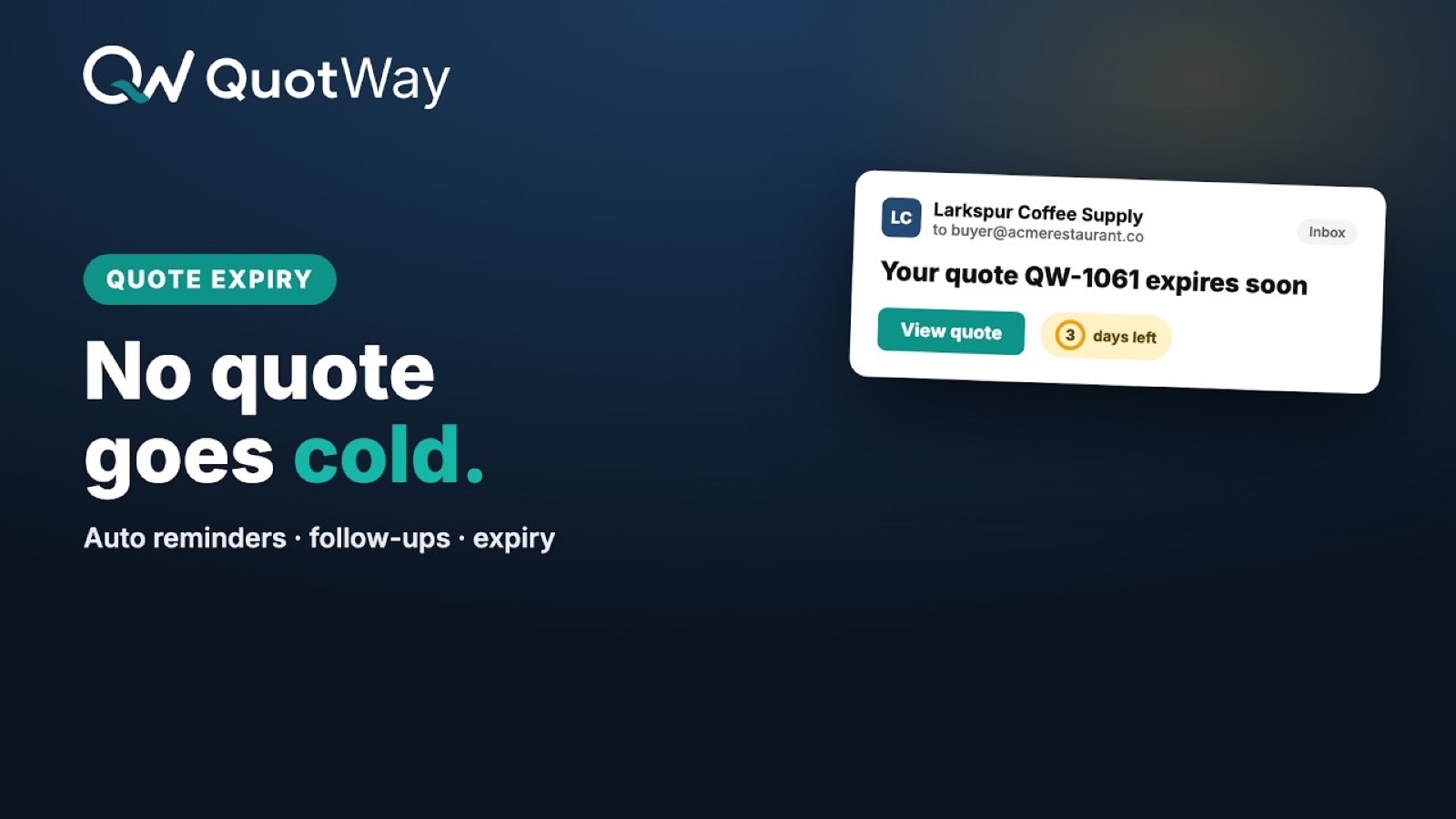
- Expiry - a notice that a proposal is about to expire (or has expired), prompting the buyer to act before the offer lapses.
All of these are transactional emails sent through QuotWay's email provider. QuotWay does not send SMS.
Why don't the emails contain prices?
Quote pricing is sensitive - it's negotiated, buyer-specific, and not something to leave sitting in an inbox or a forwarded message. So QuotWay keeps every email name-only: it names the quote and links the buyer to the secure surface where they're signed in, rather than printing the numbers in the email body. The buyer reads and accepts the actual figures in their customer account or the buyer portal. This is a deliberate privacy choice, not a limitation.
How do I set the sender name?
You can set the sender name that appears on the emails QuotWay sends, so they read as coming from your store rather than a generic address. Set it under the app's email settings. The sender name is what the buyer sees in their inbox's "From" field, which helps your emails feel familiar and get opened.
QuotWay sends from its own email provider's address; there is no custom sending domain you can configure today (it's on the roadmap). The sender name still lets you brand the "From" label. For how this affects deliverability, see Email deliverability and bounces.
Which emails can I turn off?
Some notifications are optional and gated by a toggle, so you can keep your inbox - and your buyers' inboxes - as quiet or as active as you want. For example, the conversion and new-quote notifications are controlled by a toggle: turn it off and QuotWay stops sending that alert. The core transactional messages a buyer needs to act on a quote (such as the proposal email) are the ones you'd typically leave on.
Review the toggles in the app's notification settings and switch off anything that isn't useful for how your team works.
What status does an email show?
QuotWay records a status on each email it sends, visible on the quote:
- QUEUED - the email is waiting to be handed to the provider. This usually clears within minutes.
- SENT - QuotWay handed the email to its provider successfully. This is the normal success state. It does not confirm the message reached the inbox, so a buyer who can't find it should check their spam folder.
- BOUNCED - the buyer's mail server rejected the address. The quote shows a warning so you can re-send to a corrected address.
There is no "delivered" status - QuotWay doesn't receive an inbox-delivery confirmation, so SENT is the success state to rely on. Email deliverability and bounces covers what to do about bounces and spam-foldering.
Related articles
- Email deliverability and bounces - handling bounces, spam, and why links are name-only.
- Messaging with buyers - the in-app message thread that sits alongside these emails.
- Troubleshooting common issues - when a buyer says an email never arrived.
Still need a hand? The team is happy to help.